Post It.
Find your best angle.
In development for iPhone. Early-access updates. We only use your address for Angles updates. We never sell it or share it for advertising. Privacy
 Angles
Find your best angle.
In development for iPhone. Early-access updates. We only use your address for Angles updates. We never sell it or share it for advertising. Privacy
Angles
Your pocket photo studio · iOS
Move around. Try a pose. Be yourself. Angles turns a short video into photos you’ll want to keep—without timing the perfect tap.
In development for iPhone. Sign up for early-access updates.
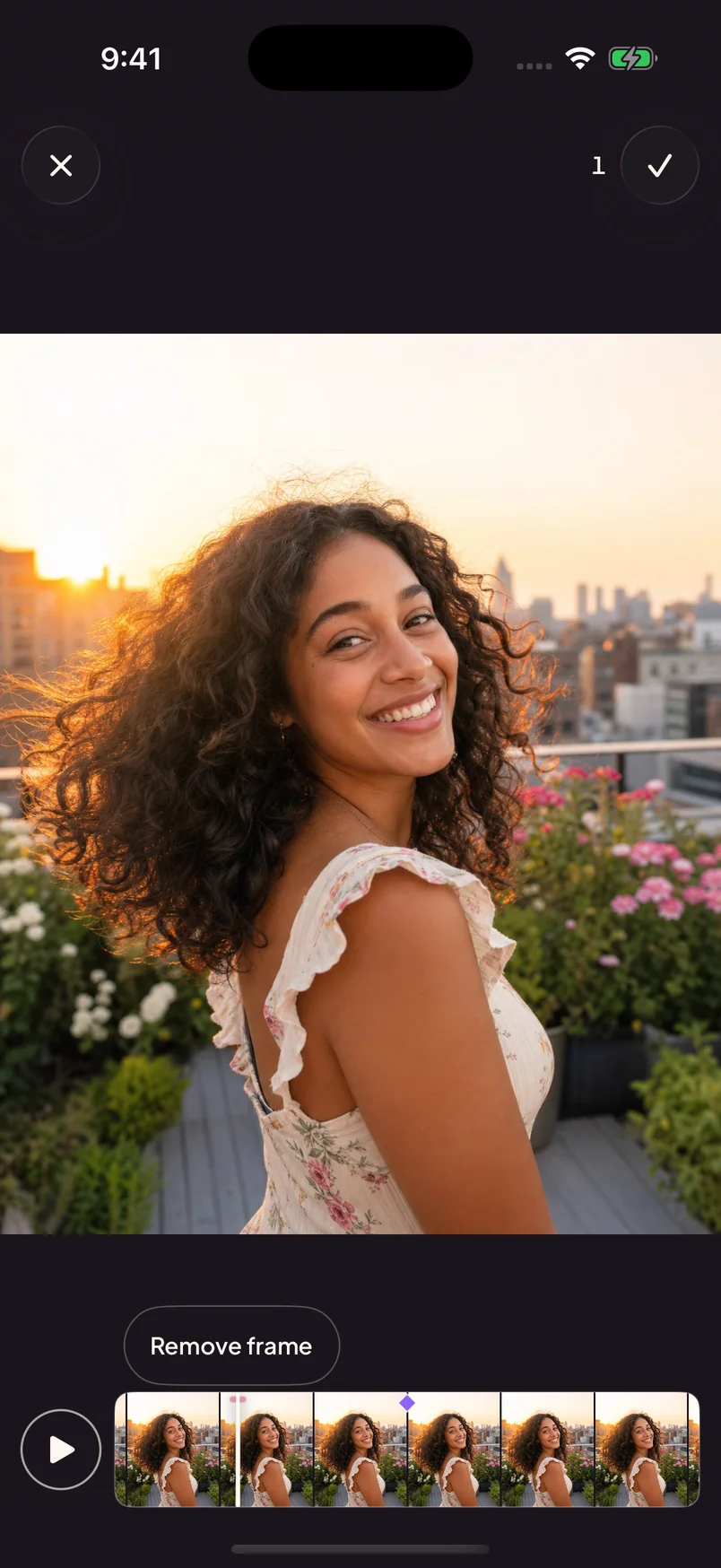
From a clip to a keeper
Record in Angles or import a video up to 30 seconds long. A quick outfit check, a slow turn, a moment in the sun.
Pick for me finds promising photos for you to keep or skip. Let me choose suggests moments, then lets you select the exact frames.
Favorite your picks, give them a finishing touch, then save to Photos or share. That’s your next post—or just a photo for you.
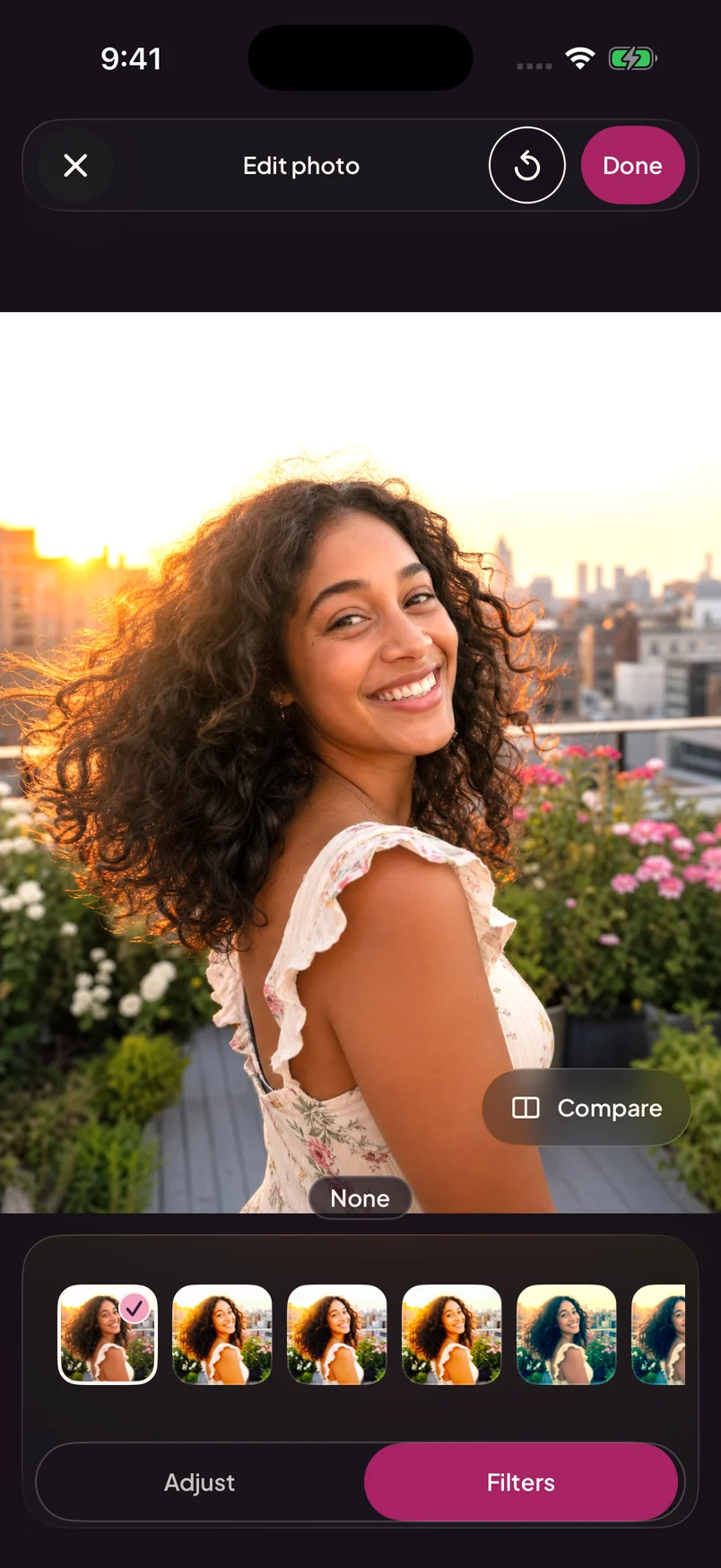
The finishing touches
Found your moment? Make it yours with photo adjustments and filters. Compare your edit before you call it done.
Screens show the app in development with sample imagery. Features and appearance may change before release.
A few things to know
Angles is in development for iPhone. Join the waitlist for early-access and release updates. Joining doesn’t guarantee immediate beta access.
Start with a video up to 30 seconds long, imported from your library or recorded in Angles. A short solo clip with good light is a simple place to start.
No. Choose “Let me choose” to explore suggested moments and pick the exact frames yourself. “Pick for me” gives you photos to keep or skip afterward.
The upcoming release finds and edits photos on your device. Cloud ranking, AI captions, and AI Enhance are unavailable. Accounts, purchases, metadata, diagnostics, and some Apple services still use the network. Read our Privacy Policy for current practices and information retained from earlier use.
The app includes clip credits and subscription options. Availability, pricing, and included credits will be shown in the app; joining this waitlist is free.

